


November 18, 2026
November 18, 2026

"Where's my order?" "Can you resend last month's invoice?" "Has my request been approved yet?" If your team answers questions like these all day by email and phone, you already know the problem a customer portal solves. A portal gives your customers a secure place to find answers, place orders and track progress on their own, at any hour. This guide explains what a customer portal is, which features matter, how development works and what drives the cost.
Features most customer portals start with
A customer portal is a secure website or web application where your customers log in to access information and services related to their account. Unlike your public website, which is the same for every visitor, a portal is personal: it shows each customer their own orders, documents, requests and conversations.
The details depend on your business. A few typical examples:
A portal is usually a web application, so it works in any browser. Some businesses add a mobile app later, once they see how customers use the portal. If you're deciding between the two, our article on web apps versus mobile apps covers that choice.

Most customers would rather find the answer themselves than wait for someone to reply. A widely cited Harvard Business Review study from 2017 found that 81% of customers try to resolve issues on their own before contacting a live representative. A portal gives them somewhere to do that.
For the business, the benefits usually show up in a few places.
Fewer routine requests. Order status, invoice copies and simple changes make up a large share of incoming emails and calls in many B2B companies. When customers can check these themselves, your team has more time for the conversations that actually need a person.
Service outside office hours. A customer in another time zone, or one who prefers to place orders late in the evening, doesn't have to wait until your team is back.
Fewer errors. Orders typed into a portal, with product codes, prices and delivery addresses checked automatically, are more accurate than orders sent by email and keyed in by hand.
Better visibility for everyone. Customers see the same up-to-date information as your staff, which cuts down on misunderstandings and "I was told something different" conversations.
Stronger relationships. A portal that makes ordering and tracking easy becomes part of the customer's routine. Switching to a competitor means giving that up.
Take a building materials supplier with a few hundred trade customers. Before the portal, its sales team spends much of the morning answering stock questions and retyping orders from emails. After launch, most repeat orders come through the portal overnight, already checked against stock and price lists, and the sales team starts the day with a list of confirmed orders instead of an inbox.
It's tempting to list every feature you can think of. A better approach is to start with the requests your team handles most often, then build the features that answer them.
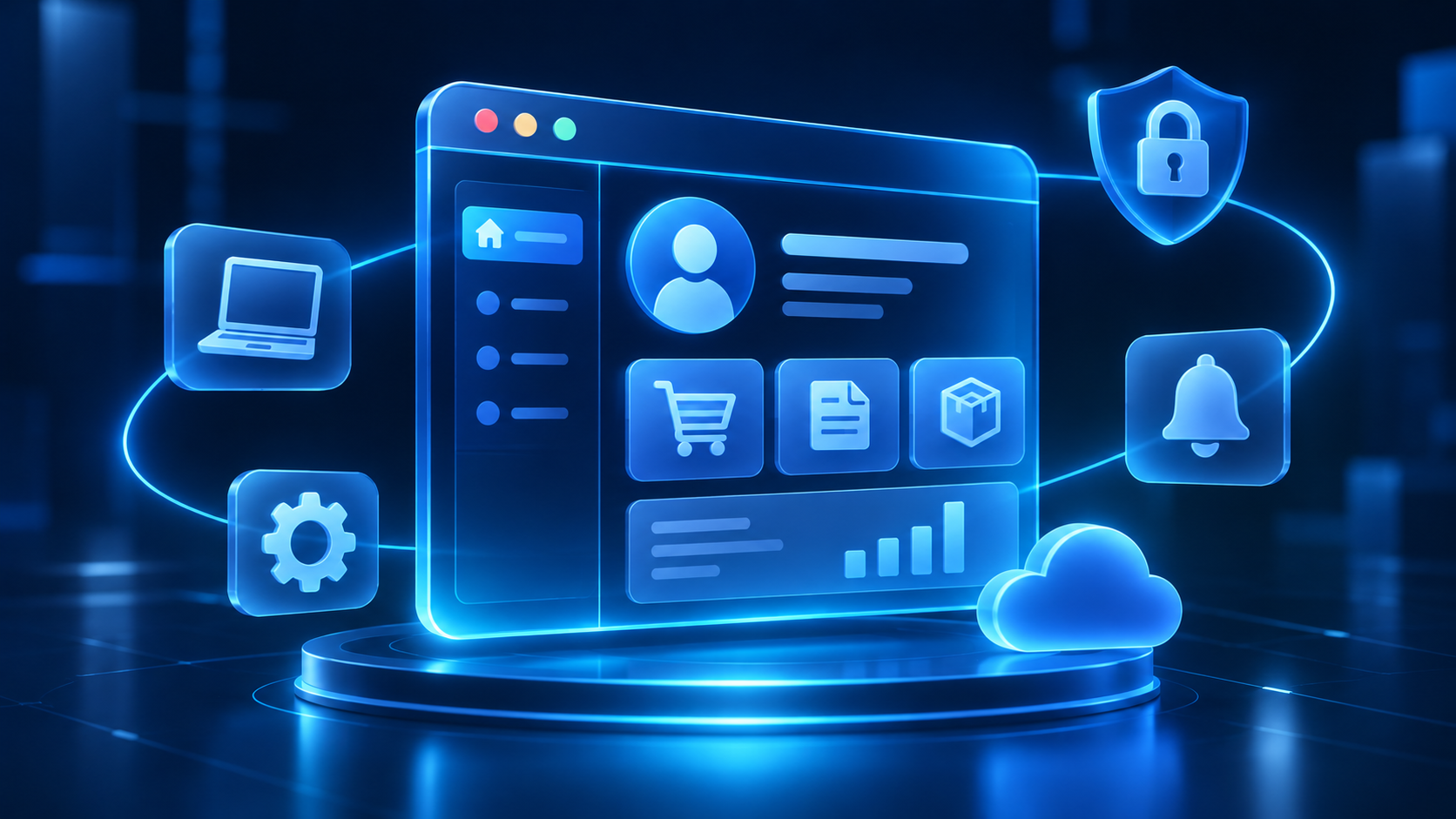
Everything starts with secure access. Customers need to log in safely, reset passwords on their own and, for business customers, manage several users under one company account. A purchasing manager might approve orders, while a warehouse employee only tracks deliveries. Multi-factor authentication is worth including from the start, especially if the portal shows financial or personal data.
This is usually the core of the portal: order history and status, shipment tracking, account balance, open invoices, contracts, service history and product documentation. The key is that the data is current. A portal that shows yesterday's status quickly loses customers' trust.
Once customers can see their information, the next step is letting them act on it: placing or repeating orders, requesting quotes, booking appointments, submitting support tickets, starting a return or uploading documents. Each action should feed straight into your internal systems, rather than creating an email someone has to retype.
Notifications tell customers when something changes, such as an order shipping or a ticket being resolved. A message area or contact form linked to the customer's account lets your team see the full context before replying. Some portals also include a knowledge base with answers to common questions.
This is the part customers never see and the part that decides whether a portal works. The portal needs to read from and write to your ERP, CRM, accounting software, warehouse or support system. Without proper system integration, staff end up updating the portal by hand, and it falls out of date. Our guide to system integration types and methods explains the main options.
Features worth adding later
Once the basics are working well, many businesses add:
There are three main ways to get a customer portal, and the right one depends on how standard your processes are and how important the portal is to your business.
Built-in and platform options are usually faster to launch, but you pay ongoing licence fees, often per user, and you're limited to what the platform allows. A custom portal costs more upfront but fits your processes exactly, connects to any system and has no per-user licences. Our comparison of low-code and custom software development looks at this trade-off in more detail.
Many businesses end up with a mix: a custom portal for orders and account information, connected to the helpdesk tool they already use for support tickets.
A portal project involves your customers, your staff and your systems, so the process needs to keep all three in view.
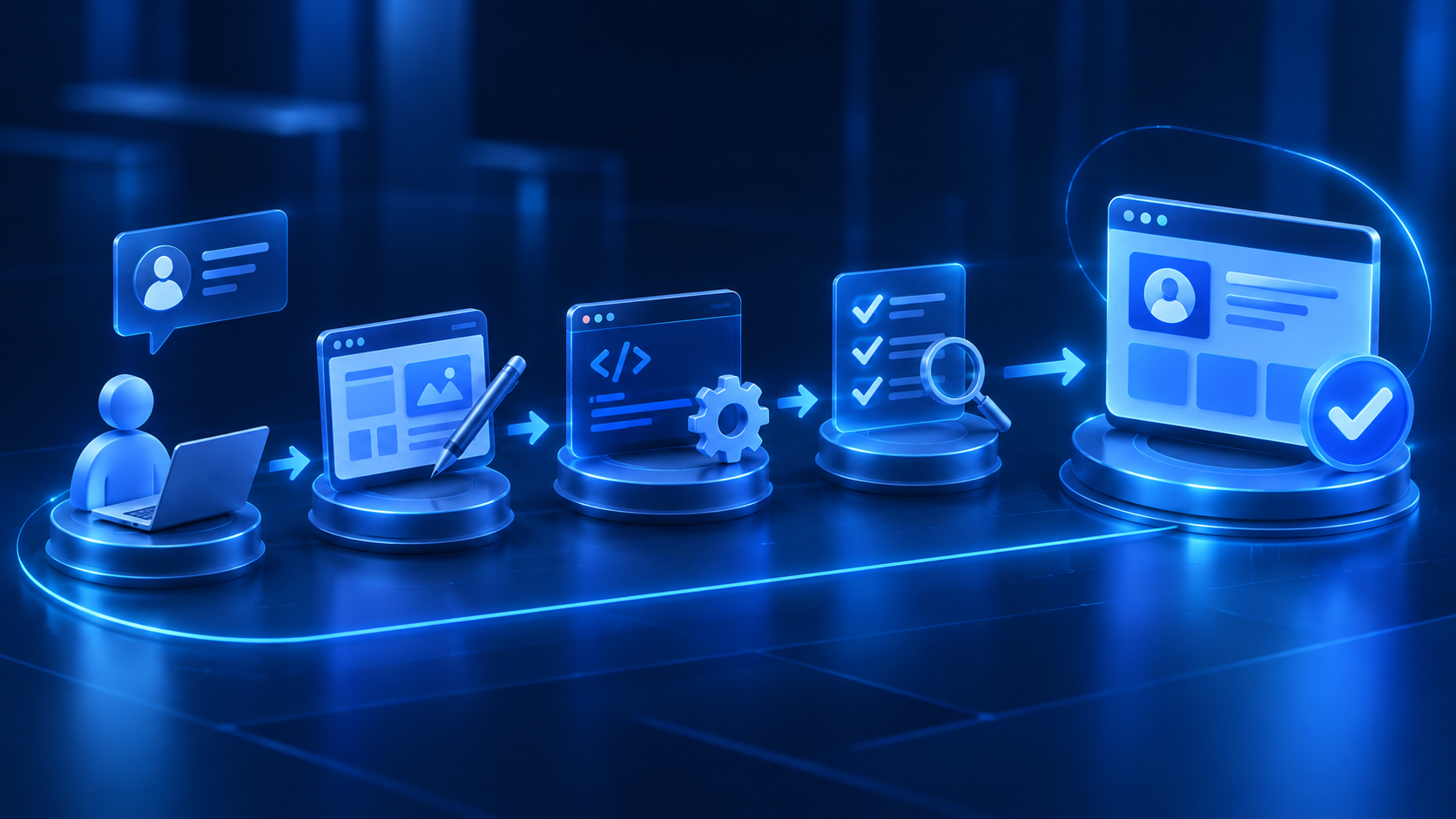
1. Discovery. Start by looking at what customers actually ask for. Review a few weeks of emails and calls, talk to account managers and, if possible, speak to a handful of customers. You'll quickly see which features matter most.
2. Scope the first release. Choose the features that remove the most routine work and agree what the first version will include. Keeping it focused gets a useful portal live faster.
3. Design. Designers create the screens and user journeys, often starting with simple wireframes and then clickable prototypes. Testing these with a few real customers before development saves a lot of rework.
4. Development and integration. Developers build the portal and connect it to your back-office systems. This stage usually takes the longest, mostly because of integrations and data quality issues.
5. Testing. The portal is tested for functionality, performance, usability and security, including checks that customers can never see each other's data. Quality assurance and testing should include real data scenarios, not just clean test accounts.
6. Launch and adoption. Start with a pilot group of friendly customers, fix what they find, then invite the rest. Plan how you'll move customers from email to the portal: welcome emails, short guides and a gentle push from your account managers all help.
Adoption is the step businesses most often underestimate. A portal only saves time if customers use it, so treat the launch as a change for your customers, not just a technical release.
The cost of a customer portal depends mostly on how much it does and how many systems it connects to. Rather than quoting a single figure, it's more useful to look at typical levels of complexity.
These timelines are general estimates. The actual time and cost depend on your requirements, your existing systems and the team you work with.

The main cost drivers are:
Remember the ongoing costs too: cloud hosting, security updates, support, small improvements and, for platform-based portals, licence fees that grow with the number of users.
A customer portal holds exactly the kind of information that needs protecting: names, contact details, orders, invoices and sometimes payment or personal data. The most important rule is simple. Every request must be checked on the server to make sure the logged-in customer is allowed to see that specific record. Changing a number in the web address should never reveal another customer's invoice.
Beyond that, use HTTPS everywhere, offer multi-factor authentication, keep software updated, log access to sensitive data and review who has admin rights. In Singapore and Malaysia, data protection laws also require organisations to take reasonable security measures for the personal data they hold. Our security management service covers these controls once the portal is live.
Serdao has been building business software for more than 18 years, with development teams in Ho Chi Minh City, Vietnam, and project management from our headquarters in France. We work in English and French.
For clients in Singapore and Malaysia, Vietnam is only one hour behind Singapore, so our team works the same business day as yours, from discovery workshops to launch week.
We can help with:
If your business sells physical products, our article on custom inventory management software for retail shows why accurate stock data matters so much before you open it up to customers.
Thinking about a portal for your customers? Explore our software development services or contact our team to talk through what your customers ask for most.
Conclusion
A good customer portal answers the questions your team hears every day, before customers need to ask them. It works best when it starts from real customer requests, connects properly to your back-office systems and launches with a clear plan to bring customers on board.
Start with the routine requests that take up the most time, build a focused first version around them, and add features as you learn how customers use it.
1. What is a customer portal?
A customer portal is a secure website or web application where customers log in to view their own information, such as orders, invoices, documents and requests, and to carry out actions like placing orders or raising support tickets.
2. What features should a customer portal have?
Most portals start with secure login and user roles, order or request tracking, document downloads, self-service actions, notifications and integration with back-office systems such as ERP or CRM.
3. How long does it take to build a customer portal?
A simple information portal can take around two to four months. Portals with ordering, several integrations or complex business rules usually take four to twelve months, depending on scope.
4. Should we build a custom portal or use an existing platform?
Use a built-in or platform portal if your needs are simple and fit what the product offers. Build a custom portal if your processes are specific, you need to connect several systems, or you want to avoid per-user licence fees.
5. How do we get customers to use the portal?
Start with a pilot group, make the first experience easy, send clear invitations and short guides, and ask your team to point customers to the portal instead of answering routine questions by email.
6. Is a customer portal secure?
It can be, if it's built with strong access controls, encryption, multi-factor authentication, regular security testing and ongoing updates. The most important check is making sure each customer can only ever see their own data.
7. Can a customer portal connect to our ERP or CRM?
Yes. Most portals connect to back-office systems through APIs. Modern cloud systems are usually straightforward to integrate, while older on-premise systems may need extra work or a middleware layer.