


August 26, 2026
August 26, 2026

As businesses rely on an ever-growing number of applications, platforms, and data sources, getting different systems to work together can become a challenge of its own. Traditional integration often involves extensive custom coding, long development cycles, and significant technical resources.
Low-code integration offers a more streamlined approach, allowing businesses to connect systems, automate workflows, and move data between applications with less manual coding. But how does it actually work, and can it handle the demands of modern business environments? In this guide, we explore what low-code integration is, how it works, its key benefits and limitations, common use cases, and when it makes sense to choose low-code over traditional integration.
Low-code integration is an approach to connecting different applications, systems, databases, APIs, and data sources using visual development tools, pre-built connectors, and configurable workflows instead of building every integration entirely from scratch with custom code. It allows businesses to establish connections and automate data flows more efficiently while reducing the amount of manual programming required.
At its core, low-code integration is about simplifying the process of making different technologies work together. For example, a business might need to connect its CRM with an ERP system so that customer information, orders, and sales data can move between the two automatically. Instead of developing a custom integration from the ground up, a low-code platform can provide connectors, visual workflows, and data-mapping tools that simplify much of the implementation.
However, low-code does not mean no-code. While many integrations can be configured through intuitive interfaces, more complex requirements may still require APIs, custom logic, scripts, or support from experienced developers. The primary goal is not to eliminate coding entirely, but to reduce unnecessary development effort and accelerate integration without sacrificing flexibility.
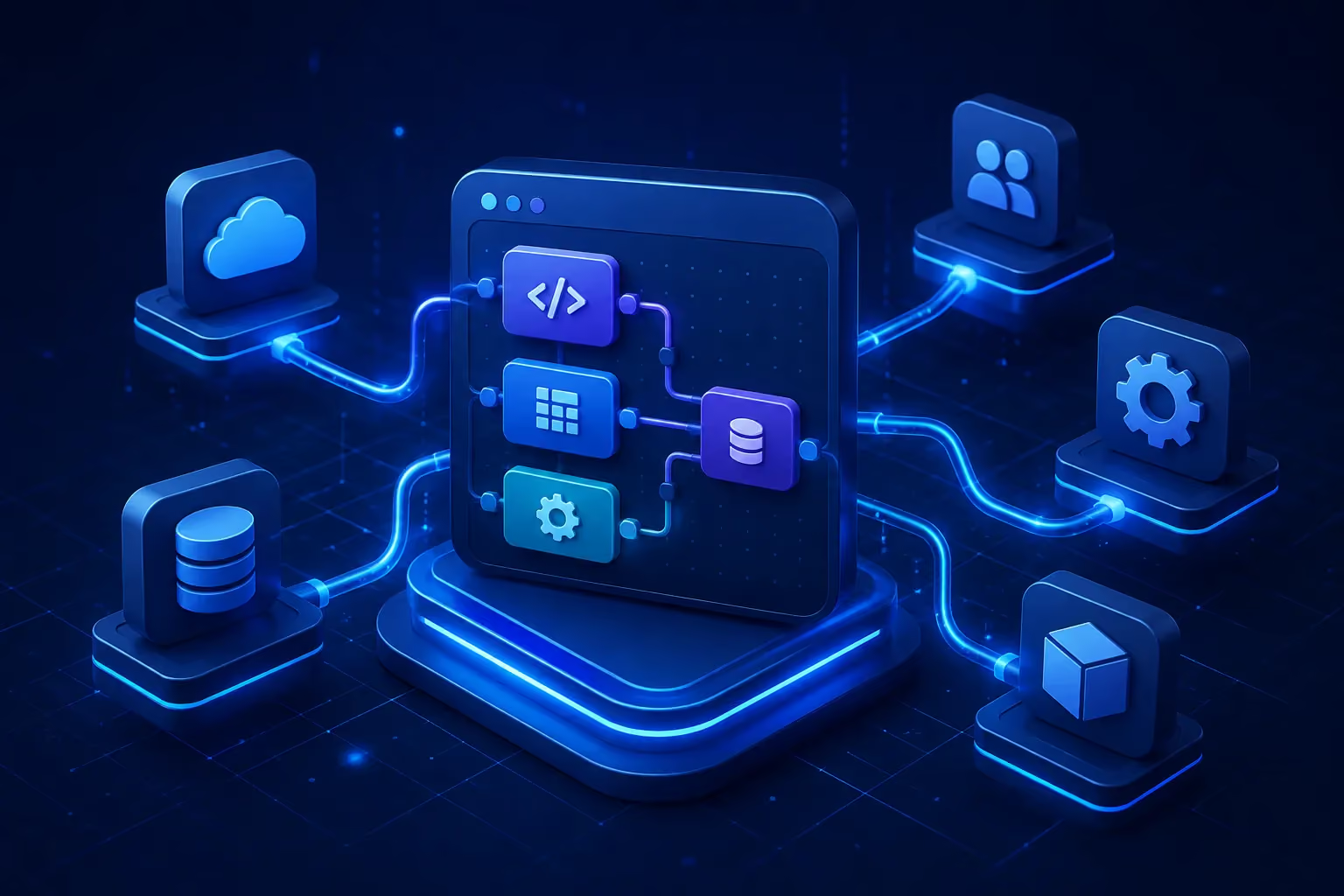
When comparing Low-Code vs Custom Software Development, traditional integration typically requires developers to write and maintain custom code to establish connections between systems. This approach offers a high degree of control and customization, but it can also require considerable development time, technical expertise, and ongoing maintenance.
Low-code integration introduces a more visual and modular approach. Instead of manually coding every component, development teams can use pre-built connectors, drag-and-drop workflow builders, templates, and reusable components to configure integrations.
For example, a traditional integration between a CRM and an accounting system might require developers to:
With a low-code integration platform, many of these tasks can be handled through configurable components and visual workflows, while developers can still add custom code where necessary.
The result is a hybrid approach that combines development speed with technical flexibility.
Low-code integration works by using visual workflows, pre-built connectors, APIs, and configurable logic to connect different applications and automate the flow of data between them. Instead of manually coding every integration from scratch, teams can configure most of the process through a visual interface.

While the exact process varies by platform, a typical low-code integration follows these key steps:
1. Connect Applications and Systems
The process starts by connecting the applications or data sources that need to communicate. Most low-code platforms provide pre-built connectors for popular SaaS applications, databases, APIs, and business systems.
For example, a company might connect its CRM, ERP, e-commerce platform, and accounting software within a single integration workflow.
2. Define Data Flows
Once systems are connected, teams define what data should move, where it should go, and when the transfer should happen. A simple workflow might look like:
New customer in CRM → Validate customer data → Create customer record in ERP
Visual workflow builders make these processes easier to configure and modify without writing extensive custom code.
3. Map and Transform Data
Different systems often use different data structures. Low-code platforms allow teams to map fields and transform data so that information can be understood by the receiving application.
For example, customer information from a CRM can be mapped to the corresponding fields in an ERP system, while formats or data types can be adjusted when necessary.
4. Automate Business Workflows
After the data flow is configured, businesses can automate actions based on specific triggers or conditions.
For example:
New order received → Check inventory → Update ERP → Notify fulfillment team
This reduces manual data entry and allows information to move between systems automatically.
5. Monitor and Maintain Integrations
Low-code integration does not end once a workflow is deployed. Businesses need to monitor integrations, identify failed transactions, and manage errors.
Most platforms provide features such as execution logs, error alerts, retry mechanisms, and workflow monitoring. Regular maintenance is also important as connected applications, APIs, and business requirements change.
Low-code integration simplifies system connectivity by turning many traditionally code-heavy tasks into configurable workflows. However, low-code does not eliminate the need for technical expertise. Complex integrations may still require custom code, API development, security configuration, and architectural planning.
A low-code integration platform brings together several components that make it easier to connect systems, manage data, and automate business processes.
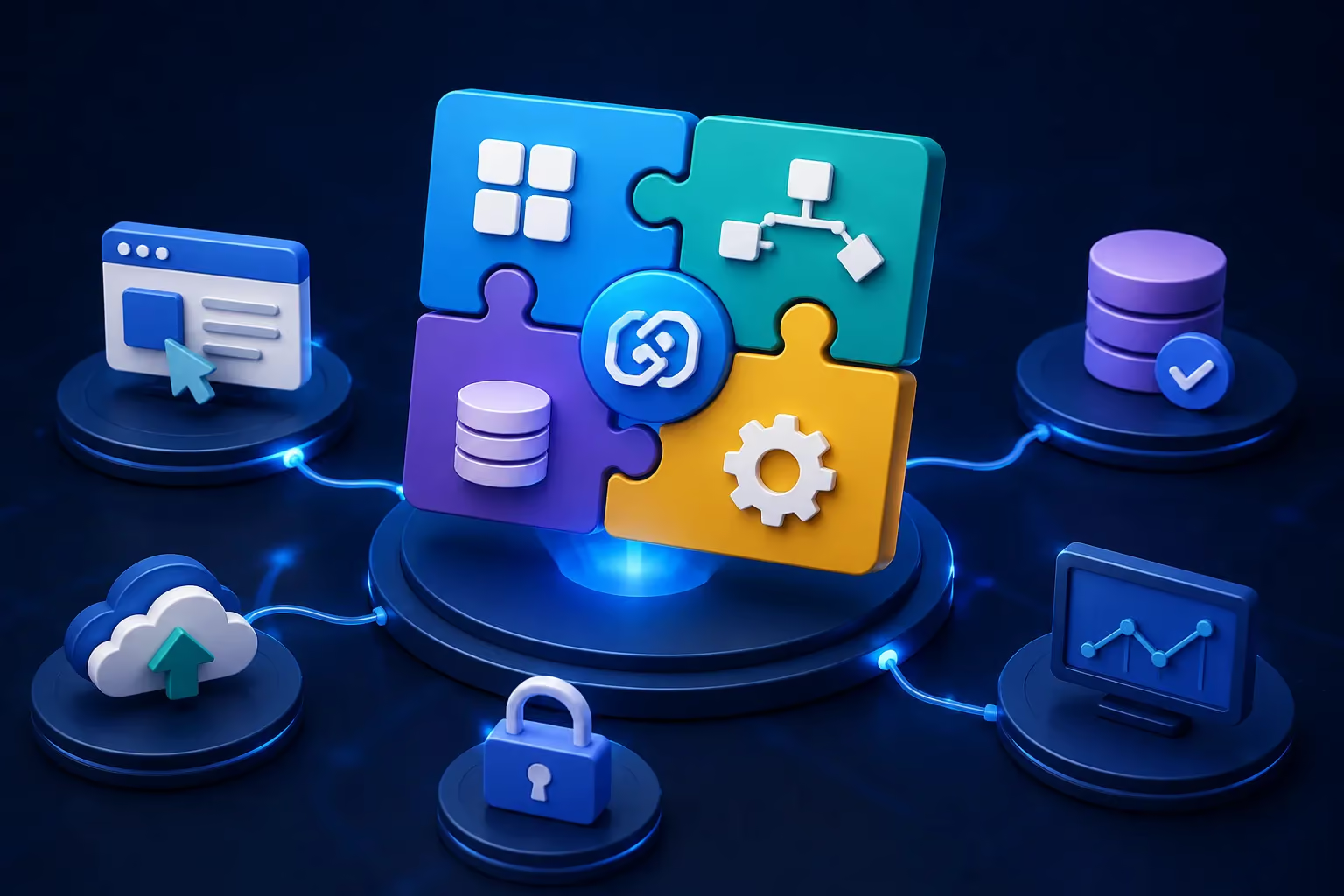
While capabilities vary across platforms, the most important components typically include:
Together, these components allow businesses to build integrations faster while maintaining control over how applications communicate and data moves across the technology environment. The right combination of capabilities can make low-code integration a practical option for businesses looking to modernize workflows without relying on custom development for every integration.
For businesses managing an increasingly complex technology environment, connecting systems efficiently can have a direct impact on productivity, operational costs, and agility. Low-code integration can simplify this process by reducing the amount of custom development required for many common integration tasks. Key benefits include:
Ultimately, the value of low-code integration is not simply about writing less code. It is about helping businesses connect systems and automate processes more efficiently while allowing technical teams to focus their expertise where it creates the most value.
Low-code integration becomes particularly valuable when businesses need multiple applications to work together without building a separate custom integration for every workflow. From synchronizing business data to automating processes across departments, its flexibility makes it suitable for a wide range of operational needs.
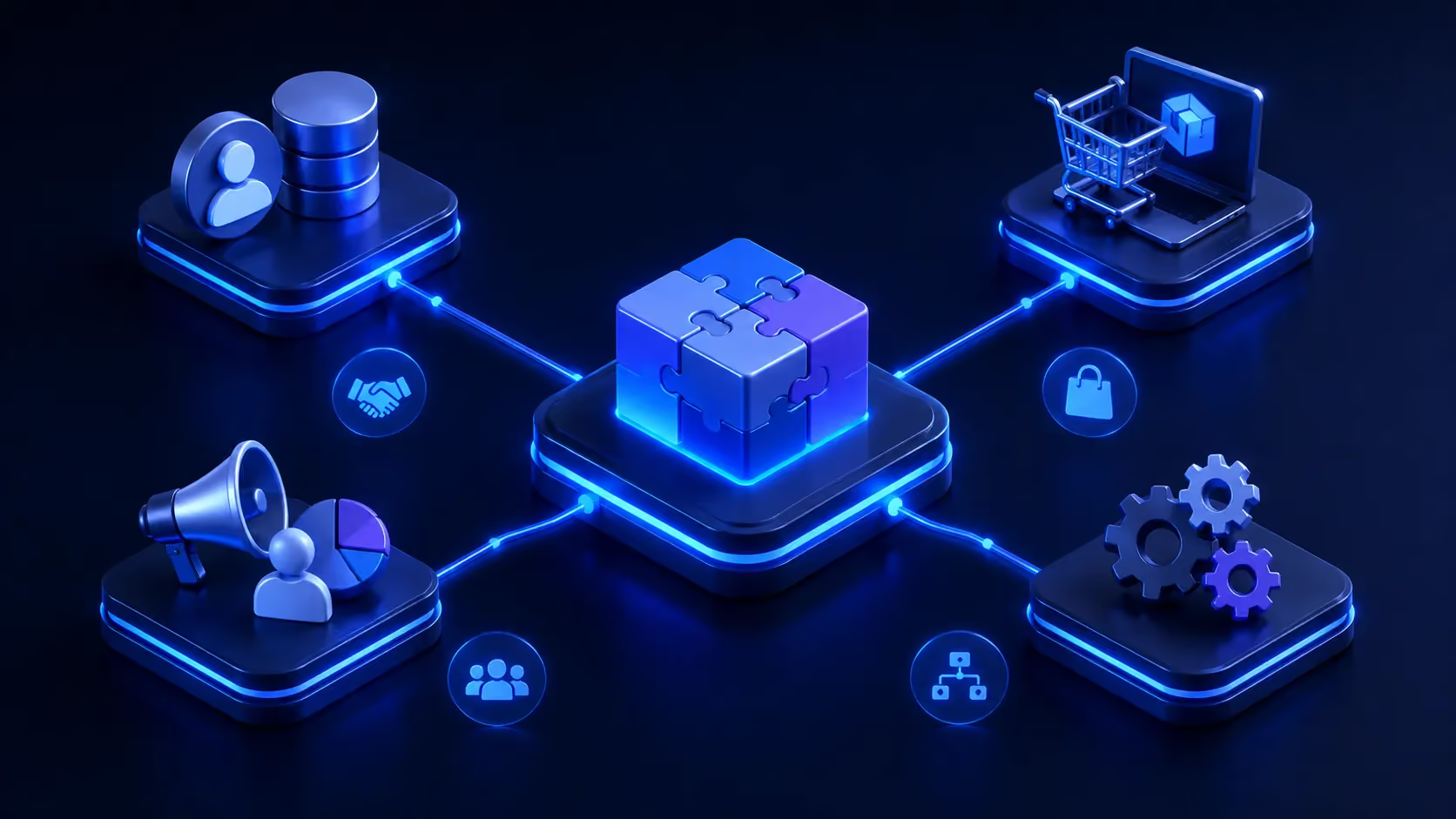
Some of the most common use cases include:
Sales, finance, and operations often rely on different systems, yet they need access to consistent customer and transaction data. Low-code integration can connect CRM and ERP platforms to synchronize information such as customer profiles, orders, invoices, and sales records.
For example, when a new customer is added to a CRM, their information can automatically be transferred to the ERP system. Sales teams can work with up-to-date customer data while finance and operations teams receive the information they need without relying on manual data entry.
E-commerce businesses often depend on multiple platforms to manage orders, inventory, payments, customer relationships, and fulfillment. Connecting these systems can help create a more seamless flow of information across the entire sales process.
A low-code workflow could automatically send a new order from an e-commerce platform to an inventory or ERP system, update stock levels, and notify the fulfillment team. This reduces repetitive administrative work while helping businesses respond to orders more efficiently.
Marketing teams often work across CRM platforms, email marketing tools, advertising platforms, analytics systems, and customer databases. When these systems operate independently, valuable customer information can become fragmented.
Low-code integration can bring these platforms together by automatically transferring customer data, updating contact records, triggering marketing workflows, or sending campaign data to analytics tools. This gives teams a more connected view of customer interactions while reducing the need to move data manually between platforms.
Beyond connecting individual applications, low-code integration can orchestrate end-to-end business processes that involve multiple systems and departments.
For example, a new employee onboarding workflow could connect an HR platform with payroll, IT service management, identity management, and internal communication tools. Once an employee is added to the HR system, the workflow can automatically trigger the necessary actions across other platforms.
This makes low-code integration particularly useful for repetitive, multi-step processes where speed, consistency, and automation are more important than building highly specialized software from scratch.
Across these use cases, the underlying principle remains the same: connect the systems that already power the business and make them work together more intelligently. The right low-code integration strategy can turn disconnected applications into coordinated workflows while leaving room for custom development when business requirements become more complex.
Low-code integration can be a strong option when a business needs to connect multiple applications quickly without investing in extensive custom development for every workflow. It is particularly useful when integration requirements are relatively standardized, connected systems provide reliable APIs or connectors, and speed is an important consideration.
Businesses may benefit from low-code integration when they need to automate repetitive processes, synchronize data across applications, connect SaaS platforms, or quickly adapt workflows as business requirements change. It can also be valuable for organizations with limited development resources that want to reduce repetitive integration work while allowing their technical teams to focus on more strategic projects.
However, low-code is not the right solution for every integration scenario. Highly complex architectures, deeply customized workflows, demanding performance requirements, or integrations involving highly specialized security and compliance requirements may still require traditional custom development.
The best approach is often not a choice between low-code and custom development, but a combination of both. Businesses can use low-code for standardized and repeatable integrations while relying on experienced developers for complex requirements that demand greater control and customization.
Conclusion
As businesses continue to rely on an expanding ecosystem of applications, platforms, and data sources, the ability to connect these systems efficiently is becoming increasingly important. Low-code integration offers a practical way to simplify system connectivity, automate repetitive workflows, and accelerate integration development without requiring every process to be built from the ground up.
However, the right integration strategy is rarely about choosing low-code simply because it requires less code. Businesses need to consider complexity, scalability, security, flexibility, and long-term technology goals before deciding between low-code, custom development, or a combination of both.
With the right technical expertise, businesses can make the most of low-code integration while ensuring more complex requirements receive the custom engineering they deserve. Serdao helps businesses design and develop integration solutions tailored to their technology environment, connecting applications, automating workflows, and building scalable systems that support long-term growth. Whether you are looking to modernize existing systems or create a more connected digital infrastructure, the right integration strategy can turn disconnected technologies into a cohesive business ecosystem.