


October 26, 2026
October 26, 2026
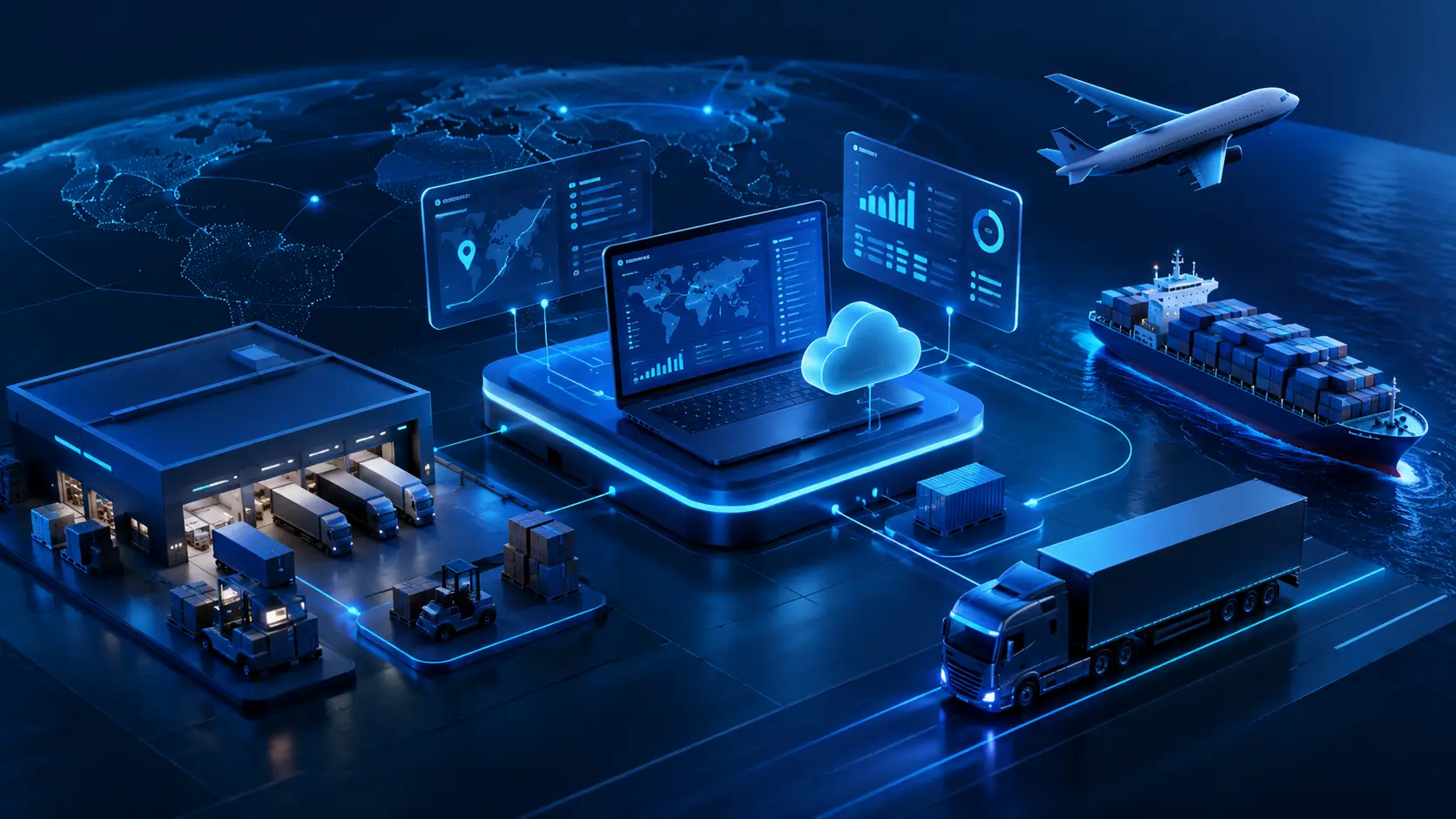
Every shipment you move creates a long chain of small decisions: which truck, which route, which warehouse shelf, which customer gets told about a delay. When those decisions live in spreadsheets, emails and three different systems, mistakes creep in fast. Custom logistics software development puts them into one tool built around the way your supply chain actually runs. Here's what that involves, what it costs, and when it's worth doing.
Custom logistics software at a glance
Custom logistics software development is the process of designing and building software that manages how goods move through your supply chain, from the supplier to the warehouse to the end customer. Unlike a packaged product that everyone buys in the same form, a custom system is shaped around your routes, your warehouse layout, your pricing rules and the systems you already use.
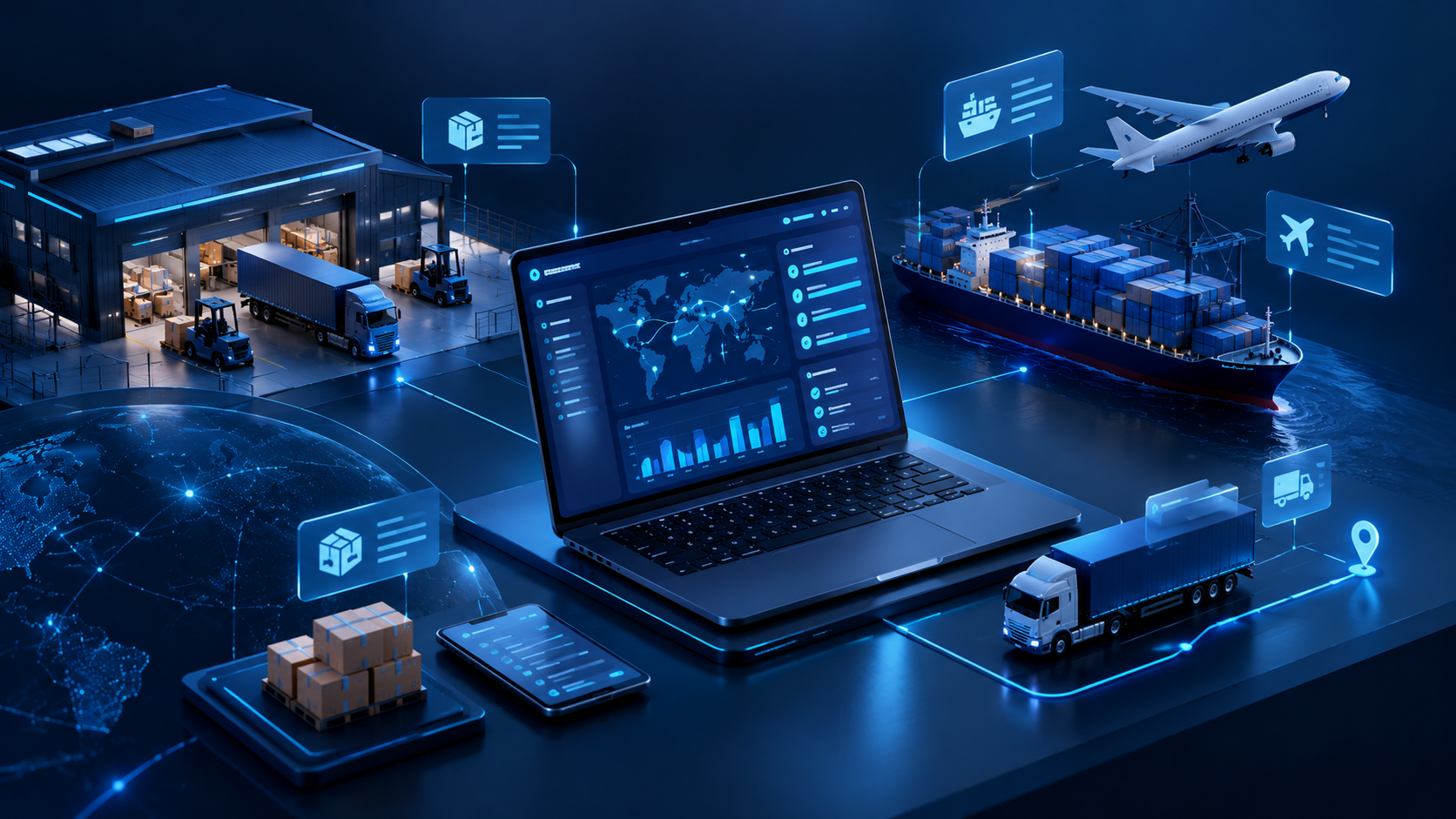
Think of it as the difference between a ready-made suit and a tailored one. Both cover the basics. But if your business has unusual proportions, say a mix of cold-chain and dry cargo, several bonded warehouses, or customers who all want delivery data in a different format, the ready-made option will pinch in places.
In practice, logistics software rarely means one big application. It's usually a set of connected modules that share the same data:
A custom software development project can cover all four or start with just one.
Most companies start with a standard tool, and that's a sensible choice. Packaged logistics software is quick to set up and cheaper in the first year. The trouble starts when the business changes and the software doesn't. Here are the signals we see most often.

1. Your team keeps a "shadow" spreadsheet
If dispatchers or warehouse staff copy data out of the system into Excel to get their job done, the software isn't matching the real workflow. That spreadsheet is usually where errors and delays begin.
2. Systems don't talk to each other
Orders come in through your ERP, stock sits in a WMS, and carriers send updates by email. Someone has to retype information between them. Every manual handover is a chance for a wrong address or a missed delivery window.
3. Licence costs grow faster than the business
Many SaaS tools charge per user, per vehicle or per shipment. That's fine at 20 users. At 200 users plus seasonal staff, the yearly bill can reach a point where building your own system costs less over three to five years.
4. Your competitive edge sits in a process the software can't handle
Maybe you offer same-day delivery in a specific zone, handle temperature-sensitive goods, or run a consolidation service for small exporters. If that service is why customers pick you, forcing it into a generic tool means giving up part of what makes you different.
5. You need data you can't get out
Some platforms lock reporting behind premium tiers or limit API access. If you can't see cost per route or carrier performance without exporting and cleaning data by hand, decisions get made on guesswork.
If two or more of these sound familiar, it's worth at least scoping a custom option. If none of them do, a packaged tool is probably still the right fit. Our comparison of low-code and custom software development goes deeper into that choice.
Logistics covers a lot of ground, so it helps to know which kind of system solves which problem. Here are the main types companies build.

A TMS plans and manages the movement of goods by road, sea or air. It handles route planning, carrier selection, freight rate comparison, load planning and delivery tracking. For example, a distributor shipping to 300 retail outlets could use a TMS to group orders by area, assign them to the right vehicles and send each driver an optimised route every morning.
A WMS controls everything that happens inside the warehouse: receiving, put-away, picking, packing, cycle counts and dispatch. A custom WMS is especially useful when your storage rules are unusual, for instance batch and expiry tracking for food or pharma, or bonded storage where customs status matters for every pallet.
Fleet tools track vehicles in real time through GPS and telematics, monitor fuel use and driver behaviour, and schedule maintenance before a breakdown takes a truck off the road. Companies that run their own fleet often build this alongside a driver mobile app.
An OMS collects orders from every channel, such as your website, marketplaces, sales reps or EDI from large customers, and routes each one to the right warehouse or supplier. It's the system that decides "where should this order ship from?"
These tools look at past sales, seasonality and lead times to suggest how much stock to hold and when to reorder. They help avoid two expensive problems at once: running out of stock and tying up cash in products that sit on the shelf.
Sometimes called a control tower, a visibility platform pulls data from carriers, warehouses, suppliers and customs into one dashboard. Instead of chasing updates by email, your team sees where every shipment is and gets an alert when something is late.
These are mobile apps for drivers and customers. Drivers get their route, scan parcels and collect electronic proof of delivery (a photo or signature). Customers get live tracking and delivery time windows. If you're new to this area, our guide on what mobile app development involves covers the basics.
You don't need every feature on day one. In our experience, these are the ones that pay back fastest in most logistics operations:
Integration is usually the feature that decides whether a project succeeds. A dashboard is useless if it's fed by data someone types in by hand. That's why system integration work should be planned from the start, not added at the end. And because logistics data is only useful when it's accurate, it's worth understanding the different types of data your systems will handle, from structured order records to semi-structured carrier feeds.
Neither option is better in every case. The right choice depends on how standard your processes are and how much the software is part of your service.

As a general guideline:
The hybrid route is more common than people think, and it's often the lowest-risk way to start.
A logistics system touches warehouses, drivers, customers and finance, so the process needs to involve people from all of those areas, not just IT. Here's how a typical project runs.
1. Discovery and process mapping
Before writing any code, the team maps how goods and information actually move today. That means talking to dispatchers, walking the warehouse floor, and looking at the spreadsheets people really use. The goal is to find where time and money are lost.
2. Scoping the first release
From that map, you pick the process with the biggest payoff and define a first version around it. For one company it might be route planning. For another it's warehouse picking. Keeping the first release focused gets something useful into people's hands within a few months.
3. Design
Designers create screens for each type of user. A warehouse picker wearing gloves needs big buttons and barcode scanning. A manager needs dashboards. A driver needs an app that works with one hand and poor mobile signal.
4. Development and integration
Developers build the core features and connect them to your existing systems through APIs. This is also when decisions about hosting are made. Most new logistics platforms run in the cloud so they can handle peak seasons without buying extra servers, and a good cloud hosting setup keeps them available around the clock.
5. Testing with real operations data
Logistics software has to cope with messy reality: wrong addresses, missing barcodes, a driver who loses signal halfway through a route. Quality assurance and testing should use real historical orders and edge cases, not just clean test data.
6. Pilot, rollout and support
Start with one warehouse, one region or one group of drivers. Fix what the pilot reveals, train the next group, and then roll out more widely. After launch, the system needs regular updates as carriers change their APIs, regulations change, and your business adds new services.
The cost of custom logistics software development usually ranges from around $30,000 for a focused single-module tool to $300,000 or more for a full platform. The biggest factors are how many modules you need, how many systems you connect, and how much real-time data the system processes.
These figures are general estimates based on published pricing guides from software development vendors. Actual costs depend on scope, team location and the engagement model.
What drives the price up or down:
The best way to control cost is to launch a focused first version, measure the results, and expand from there. That way each new module is funded by savings you can already see.
Logistics software projects tend to run into the same few problems. Knowing them in advance makes them much easier to manage.
At Serdao, we've spent more than 18 years building and supporting business software, working with over 50 technologies. Our model combines European project management from our headquarters in France with development teams in Ho Chi Minh City, Vietnam.
For companies in Singapore and Malaysia, that setup has a practical advantage. Vietnam is just one hour behind Singapore, so our developers work the same business day as your operations team.
When a dispatcher spots an issue in the morning, they can talk to the people who built the system before lunch.
For logistics projects, we typically help with:
Want to see what a custom system would look like for your supply chain? Explore our software development services or contact our team to talk through your current setup.
Conclusion
Custom logistics software isn't the right answer for every business. If your processes are standard, a packaged tool will do the job for less. But when your team spends hours on workarounds, your systems don't connect, or your logistics service is the reason customers choose you, a system built around your own operations can pay for itself in time saved, fewer errors and better decisions.
The simplest way to start is small: find the one process that causes the most manual work, build a focused solution for it, and grow from there.
1. What is custom logistics software?
Custom logistics software is a system built specifically for one company's logistics and supply chain processes. It can include transport management, warehouse management, fleet tracking, order management and reporting, all designed around how that business actually operates.
2. How long does it take to develop logistics software?
A focused first version, such as a driver app or a single warehouse module, usually takes 3 to 5 months. A multi-module platform with several integrations typically takes 6 to 9 months, and large enterprise systems can take a year or more.
3. How much does custom logistics software cost?
Costs usually start around $30,000 for a single module and can exceed $300,000 for an enterprise platform. The final price depends on the number of modules, integrations, real-time features and the development team's location.
4. Is it better to build or buy logistics software?
Buy if your processes are standard and you need something running quickly. Build if your workflows are unusual, you need deep integrations, or logistics is a core part of your service. Many businesses combine both, keeping a packaged system and adding custom modules around it.
5. What's the difference between a TMS and a WMS?
A TMS (transportation management system) manages how goods move between locations, including routes, carriers and delivery tracking. A WMS (warehouse management system) manages what happens inside the warehouse, including receiving, storage, picking and packing.
6. Can custom logistics software integrate with our existing ERP?
Yes, in most cases. Modern ERPs offer APIs that custom software can connect to directly. Older systems may need a middleware layer, which should be assessed during the discovery phase.
7. Should logistics software be cloud-based or on-premise?
Most new logistics systems are cloud-based because they scale more easily during peak seasons and can be accessed by drivers, warehouses and partners in different locations. On-premise may still make sense for sites with unreliable internet or strict data residency requirements.