


October 23, 2026
October 23, 2026

When a warehouse scanner freezes in an office, someone waits a few minutes. When it freezes at 2 a.m. during a peak-season pick, trucks leave late and customers start calling. That's the main difference between IT support for logistics and IT support for everyone else. This article explains what logistics companies should expect from an outsourced IT support partner, what to put in the contract, and how to tell whether outsourcing is right for you.
What IT support for a logistics company needs to cover
IT support outsourcing for logistics means handing some or all of your day-to-day IT work to an external provider who understands how warehouses, transport operations and supply chain systems run. That can include helpdesk support for staff, monitoring of servers and networks, management of warehouse and driver devices, security, backups and support for business systems such as your WMS or TMS.
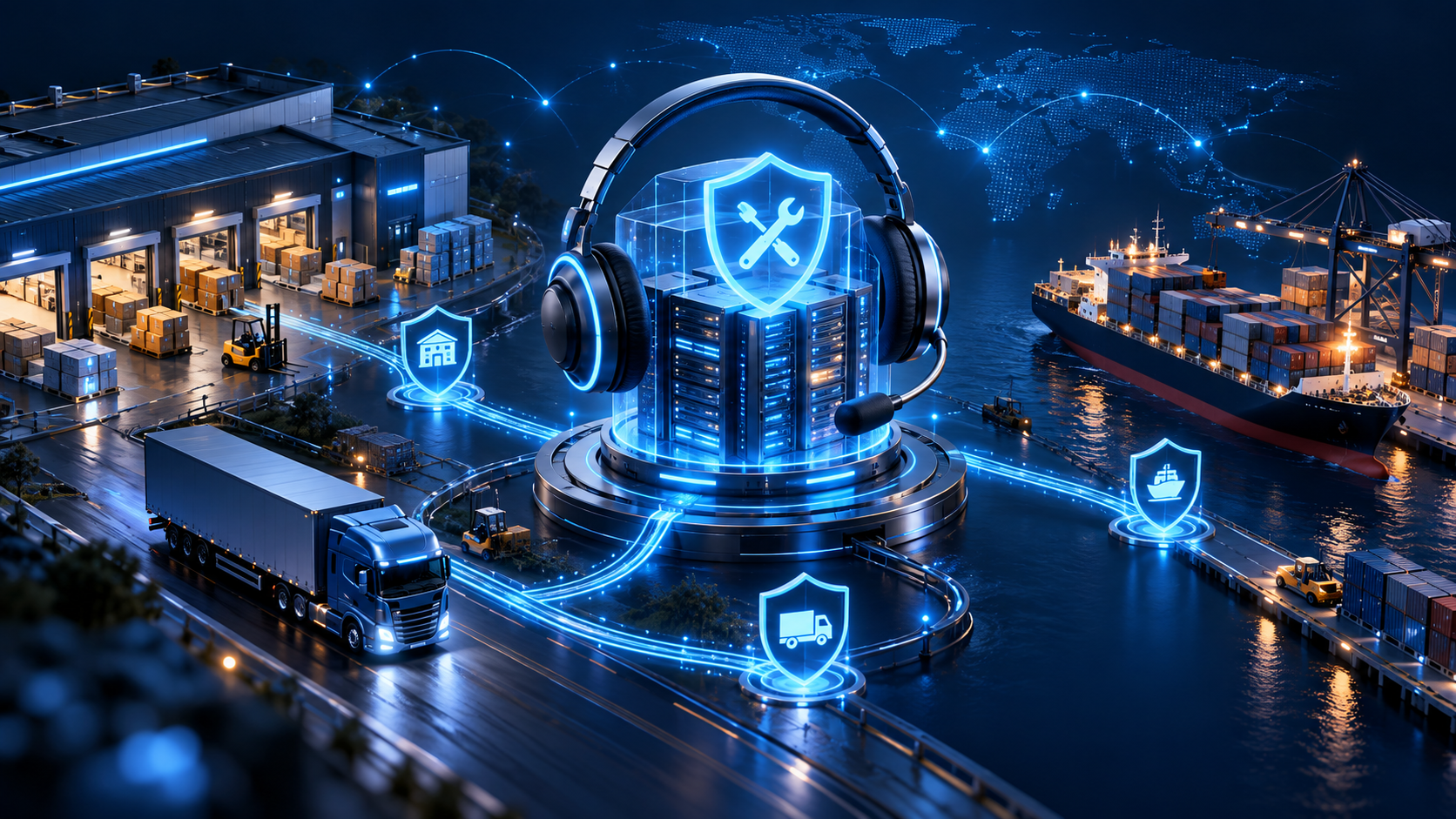
It sounds similar to general IT support services, and much of the toolkit is the same. The difference is in the priorities. In a typical office, IT exists to keep people productive. In logistics, IT is part of the operation itself. If the warehouse system can't print labels, nothing leaves the building. If the TMS loses its connection to carriers, trucks don't get booked. So the support model has to be built around operating hours, physical sites and the systems that move goods, not just around laptops and email.
Many logistics companies start by asking their office IT provider to "also look after the warehouse". It often works for a while. Then a few things start to slip. Here's why.
1. Operations don't stop at 6 p.m.
Warehouses run night shifts, cross-docks work weekends, and freight forwarders deal with partners in other time zones. A support desk that closes at the end of the business day leaves your busiest hours uncovered. Peak seasons make this worse, because that's exactly when systems are under the most load.
2. A lot of the IT isn't in the office
Think of everything with a battery or a cable on a warehouse floor: handheld scanners, mobile computers on forklifts, label and receipt printers, Wi-Fi access points, dock door sensors, rugged tablets in vehicles. Each of these can stop a process, and many of them need physical attention. A provider used to supporting desk users may not be set up for that.
3. Your systems are linked in a chain
Orders flow from your ERP or e-commerce platform into the WMS, then to the TMS, then out to carriers through EDI or APIs. If one link breaks, everything after it stops, even though each system on its own looks "up". Good logistics support watches the whole chain, not just individual servers.
4. Partners rely on your data
Customers expect tracking updates. Carriers expect booking files. Customs brokers expect documents on time. When a data feed fails, the problem often shows up first at someone else's company, which means it gets noticed late and costs you credibility.
5. Logistics is a frequent target for cyberattacks
Attackers know that logistics companies can't afford to stop, which makes them more likely to pay. Three well-known cases show what's at stake:
These are large companies with large IT budgets. Smaller logistics businesses face the same type of threat with far fewer resources, which is one of the main reasons they look for outside help with security management.
Before you talk to any provider, it helps to list what actually needs support. Here's a starting point most logistics companies can adapt.
Not every provider covers every row. Some only handle office IT and leave the warehouse to you. Others support the devices but not the business systems. Knowing which rows matter most to you makes it much easier to compare offers.
Outsourcing isn't automatically cheaper or better. But for many logistics businesses, it solves problems that are hard to fix with a small internal team.

1. Coverage that matches your operating hours
Building a 24/7 internal team means hiring at least four or five people to cover shifts, holidays and sick leave. An outsourced provider spreads that cost across several clients, so you can get night and weekend coverage without carrying a full shift team on payroll. Our article on how a 24/7 IT helpdesk reduces downtime looks at this in more detail.
2. Problems get caught before the floor notices
With monitoring and proactive support, a provider can spot a disk filling up on the WMS server or an EDI queue that stopped moving, and act before pickers or customers feel it. That's often worth more than fast reaction times.
3. One team across all your sites
If you run several warehouses or depots, outsourced support gives every site the same standards, the same tools and the same escalation path. That's hard to achieve when each site relies on a local IT person or a different contractor.
4. Easier scaling for peaks and new sites
Opening a new warehouse means networks, devices, accounts and system access, all ready on day one. A provider that has done it before can plan and deliver this as a project, then add the site to regular support without you hiring extra staff.
5. Your internal team can focus on improvement
If you have an in-house IT manager, outsourcing the routine tickets frees them to work on projects that actually move the business forward, such as a new WMS module, better reporting or automation.
There are three common ways to organise IT support in a logistics business. Each one suits a different stage and size.

As a general guideline:
If you're weighing this decision, our comparison of outsourced and in-house maintenance and support covers the general trade-offs.
A support contract is only as useful as its details. These are the points that matter most for logistics companies, and the ones most often left vague.
Coverage hours
Write down the hours your operations actually run, including weekends and peak periods, and make sure the contract matches them. "24/7" can mean a full support team or just an on-call number, so ask which one it is.
Response and resolution times by priority
Not every issue is equally urgent. A clear priority scheme helps everyone agree on what happens first. Here's an example of how logistics companies often set it up:
These targets are illustrations, not industry standards. The right numbers depend on your operation and budget. If you want to understand how first, second and third-line support divide this work, see our comparison of IT support levels L1, L2 and L3.
On-site support
Decide which problems need someone physically on site, such as replacing a Wi-Fi access point or a printer, and who does it. Many companies keep a small spare pool at each site and have a trained staff member swap devices while the provider handles the rest remotely.
Business system support
Clarify where the provider's job ends and the software vendor's begins. A good provider will own the incident, contact the WMS or TMS vendor on your behalf, and keep you updated, instead of telling your team to "call the vendor".
Integration monitoring
If EDI or API links matter to your customers, include monitoring of message flows in the scope, with alerts when files stop arriving or start failing.
Security and backup
Ask for patching schedules, backup frequency, how often restores are tested, and what happens in the first hour of a security incident.
Peak season plan
Agree in advance on extra coverage, change freezes and readiness checks before your busiest weeks.
Reporting
Monthly reports should show ticket volumes, response times against targets, recurring problems and recommendations. If the same scanner model fails every week, you want to know.
Most providers price IT support per user, per device, as a fixed monthly fee, or as a mix of these. Our IT support cost guide explains these pricing models in detail.

For logistics companies, a few factors push the price up or down:
The best way to get a realistic quote is to share an honest inventory of sites, devices, systems and operating hours. Providers who quote without asking for this are usually guessing.
When you compare providers, these questions help separate those who understand logistics from those who don't:
Data protection is another point to check. If your provider will access customer and shipment data, make sure their practices fit the rules in your markets. Our article on data security in outsourcing covers what to look for.
Switching IT support doesn't have to disrupt operations. A typical transition follows four steps.
1. Discovery
The provider documents your sites, devices, systems, integrations, accounts and current pain points. Expect site visits or video walk-throughs of the warehouse floor.
2. Setup
Monitoring tools, remote access, device management and the ticketing system are put in place. Your staff learn how to log a ticket and who to call for urgent issues.
3. Parallel running
For a short period, the old support arrangement and the new provider overlap. This catches gaps before the handover is complete.
4. Full handover and review
The provider takes over, and you review results after the first month: ticket volumes, response times and any recurring problems that should be fixed at the root.
Plan the switch away from peak season. Moving support in the weeks before a major sales period adds risk you don't need.
Serdao has provided IT support and software services for more than 18 years. Our model combines European project management from our headquarters in France with support and development teams in Ho Chi Minh City, Vietnam. Our team works in English and French.
For logistics companies in Singapore and Malaysia, location matters. Vietnam is only one hour behind Singapore, so our team works the same business day as your operations, and our after-hours service covers the rest.
Our technical support services for logistics companies can include:
We've also written about outsourced IT support for manufacturing, which faces many of the same uptime challenges as logistics.
Want to see how outsourced support would work for your sites? Contact our team to talk through your operations and current setup.
Conclusion
Logistics companies don't need more IT support than other businesses. They need a different kind. Support has to follow operating hours, reach the warehouse floor and the driver's cab, watch the links between systems, and take security seriously, because downtime in logistics turns into late shipments very quickly.
Outsourcing can deliver that without building a large internal team. The key is to be clear about what you need covered, write it into the contract, and choose a partner who understands how goods actually move through your business.
1. What is IT support outsourcing for logistics companies?
It's the practice of handing day-to-day IT work, such as helpdesk, monitoring, device management, security and business system support, to an external provider who understands warehouse, transport and supply chain operations.
2. Why do logistics companies outsource IT support?
Mainly to get coverage that matches their operating hours, support across several sites, and specialist skills in security and business systems without hiring a large internal team.
3. Can an outsourced provider support our WMS or TMS?
Many can. Usually the provider monitors the system, handles user issues and manages incidents, while working with the software vendor on deeper problems or product bugs. Check this point in the contract.
4. How do outsourced providers handle on-site problems in warehouses?
Most combine remote support with on-site visits or local partners. Many logistics companies also keep spare devices at each site so trained staff can swap hardware while the provider resolves the issue remotely.
5. Is 24/7 IT support necessary for a logistics business?
If your operations run nights, weekends or across time zones, yes, at least for critical issues. Some companies choose 24/7 coverage only for P1 incidents, with standard business-hours support for everything else.
6. How long does it take to switch to an outsourced IT support provider?
A typical transition takes a few weeks to two months, depending on the number of sites and systems. Plan it away from peak season and allow a short overlap with your current arrangement.
7. Is outsourced IT support secure for supply chain data?
It can be, if the provider follows clear access controls, encryption, logging and data protection practices. Ask how they handle access to your systems and how they comply with data protection rules in your markets.